
Start Node
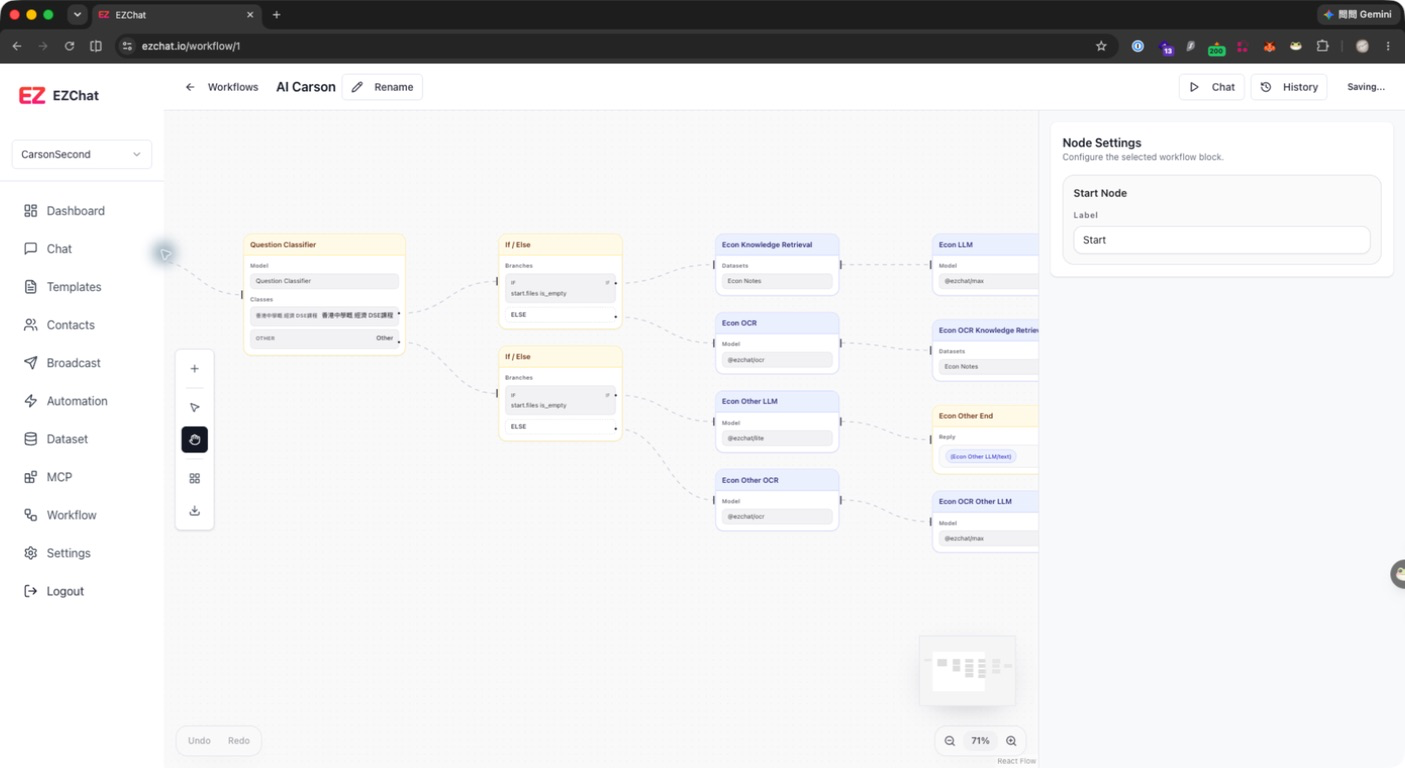
The Start node is the workflow entry point. It provides user input and uploaded files to downstream nodes, and it cannot be deleted by default.
Default Variables
The Start node provides:
| Variable | Type | Description |
|---|---|---|
query | string | User text input. |
files | file[] | Files uploaded by the user in chat. |
In other nodes, these variables are usually referenced as sys.query, sys.files, or start.query, start.files.
Configurable Fields
The current Start panel mainly supports:
| Field | Description |
|---|---|
| Label | The name shown on the canvas and in traces. |
Usage
- Reference the user question in an LLM or Agent prompt, for example
{{#sys.query#}}. - Select
sys.filesas the LLM Files Variable so the model can receive uploaded files. - Use user input as the query in Knowledge Retrieval.
- Use upstream variables in If / Else to route branches.
Notes
The Start node is the fixed workflow entry point and cannot be removed from the canvas. If a workflow needs a different input format, add an LLM, Question Classifier, or If / Else node after Start to normalize or route the input.