
Dataset Settings
The dataset settings page updates the basic information of a dataset. Before changing settings, consider whether the change affects how teammates identify the dataset or how workflows use it.
Open Settings
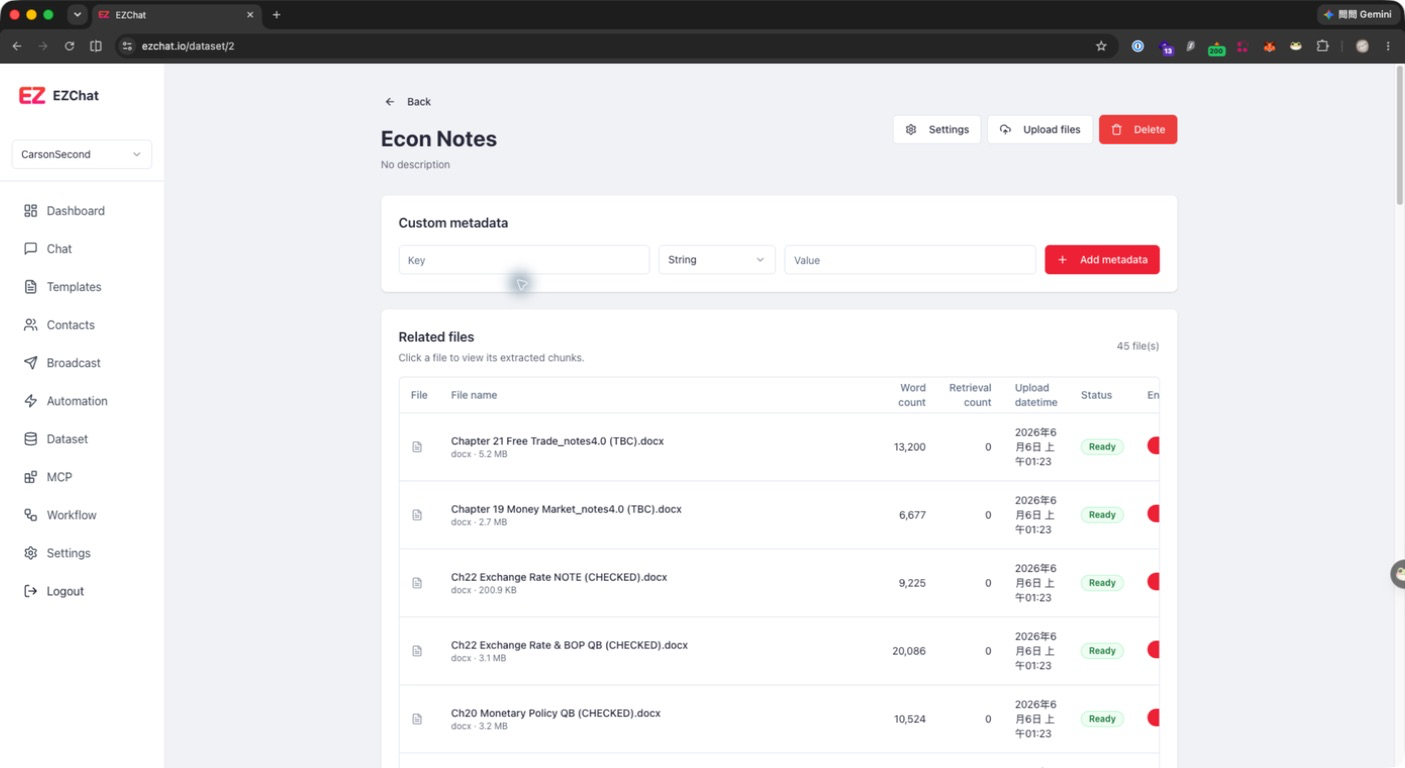
- Open Dataset.
- Click the dataset you want to manage.
- Click Settings in the upper-right corner of the dataset detail page.
- Update the information and click Save.
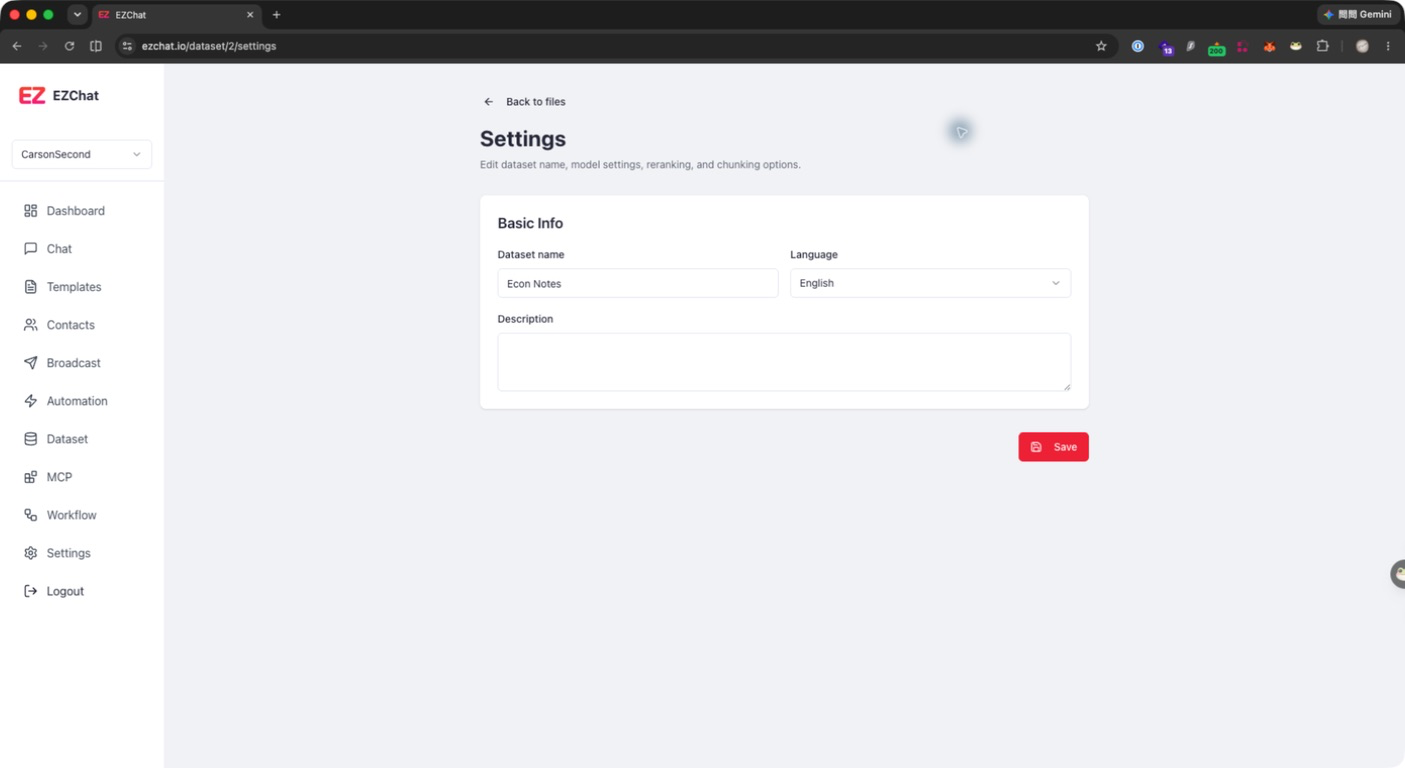
Configurable Fields
| Field | Description |
|---|---|
| Dataset name | The name shown in the dataset list and detail page. It cannot be empty. |
| Language | Dataset language hint. Currently supports English and Chinese. |
| Description | A short description that helps the team understand the dataset scope. |
Impact After Updating
- After updating the name, the dataset list and detail page show the new name.
- After updating the description, the dataset detail page shows the updated purpose.
- After updating the language, later processing or retrieval can use it as a language hint.
Delete a Dataset
To delete a dataset, return to the dataset detail page and click Delete. Deletion performs a soft delete on the dataset. Before deleting, confirm that no workflow or assistant depends on the dataset.
Note
The current settings page mainly manages basic information. Chunk settings, embedding model, and reranking model are submitted when creating the dataset. If you need to change the processing strategy of an existing dataset, first confirm backend support for rebuilding indexes or reprocessing documents.