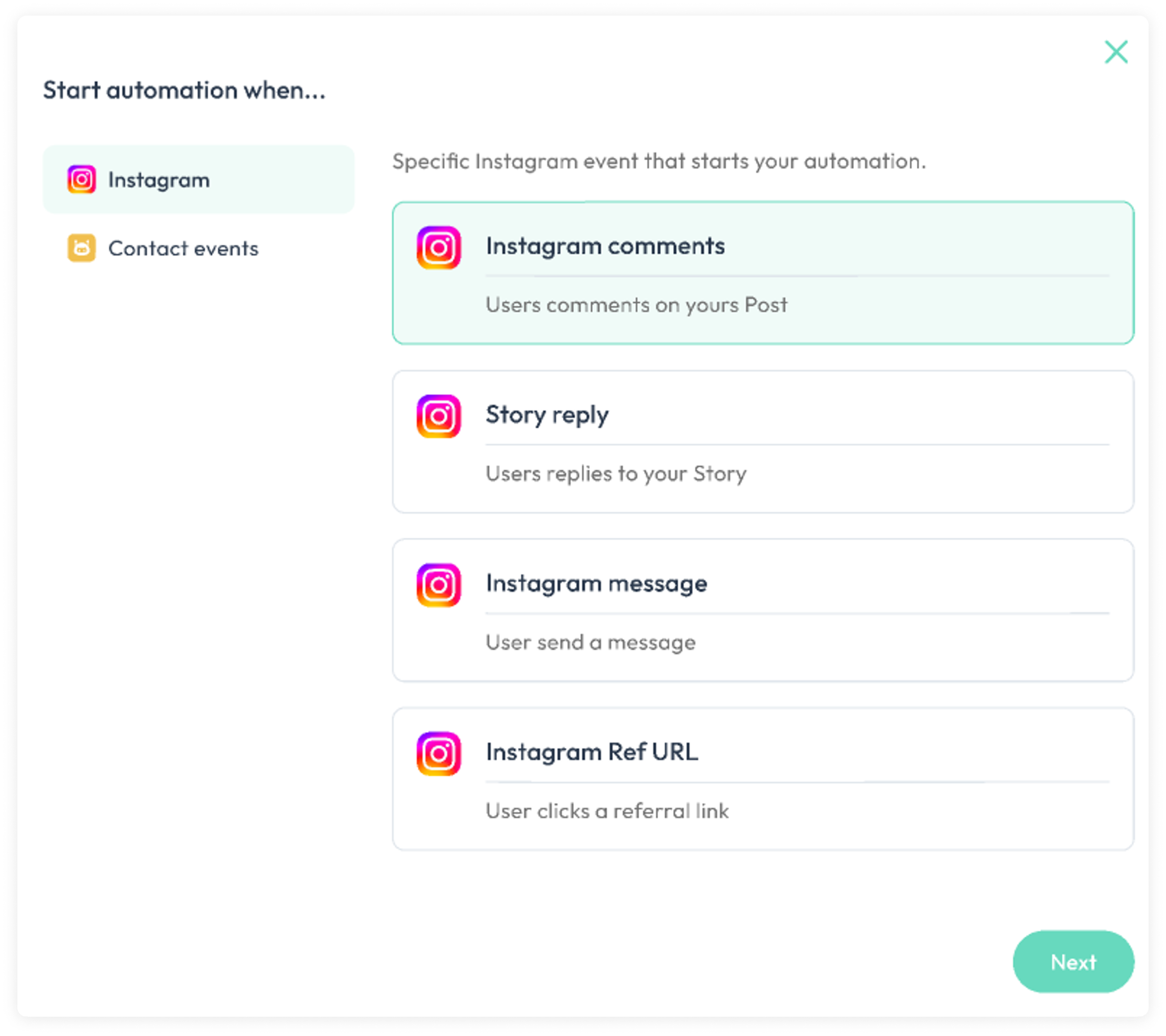
Trigger block action
Determines how the flow starts and enrolls contacts who have met the trigger event.
- Channels Trigger: Based on sending or receiving messages, comment . Each channel type have their own Trigger options
- Contact Trigger: Based on creating or updating a contact.
Creat mutiple triggers
- click
add new triggerin the bottom of trigger block , then you can creat mutiple triggers
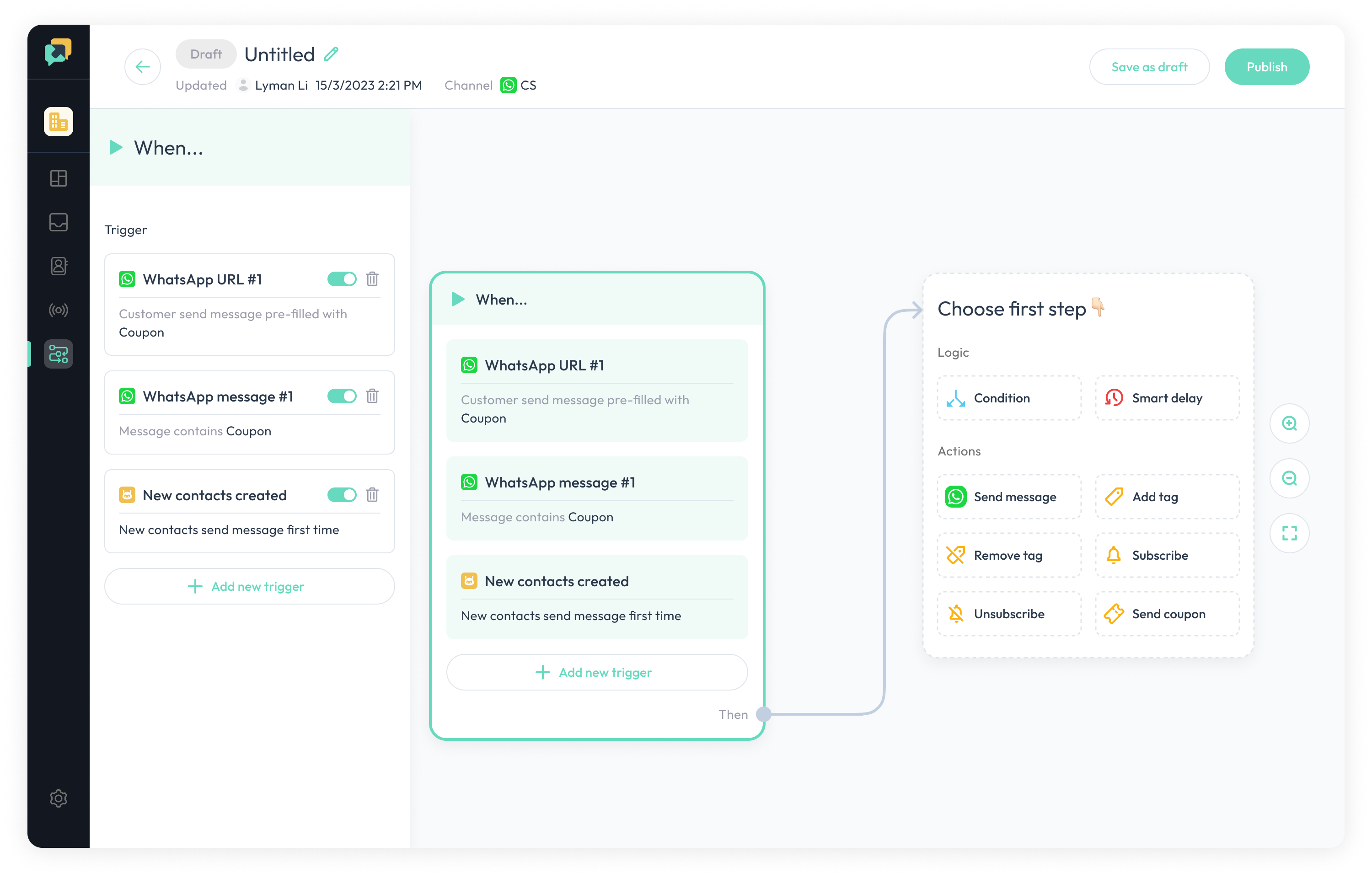
Edit triggers
if the trigger is set properly, the border color will be green.
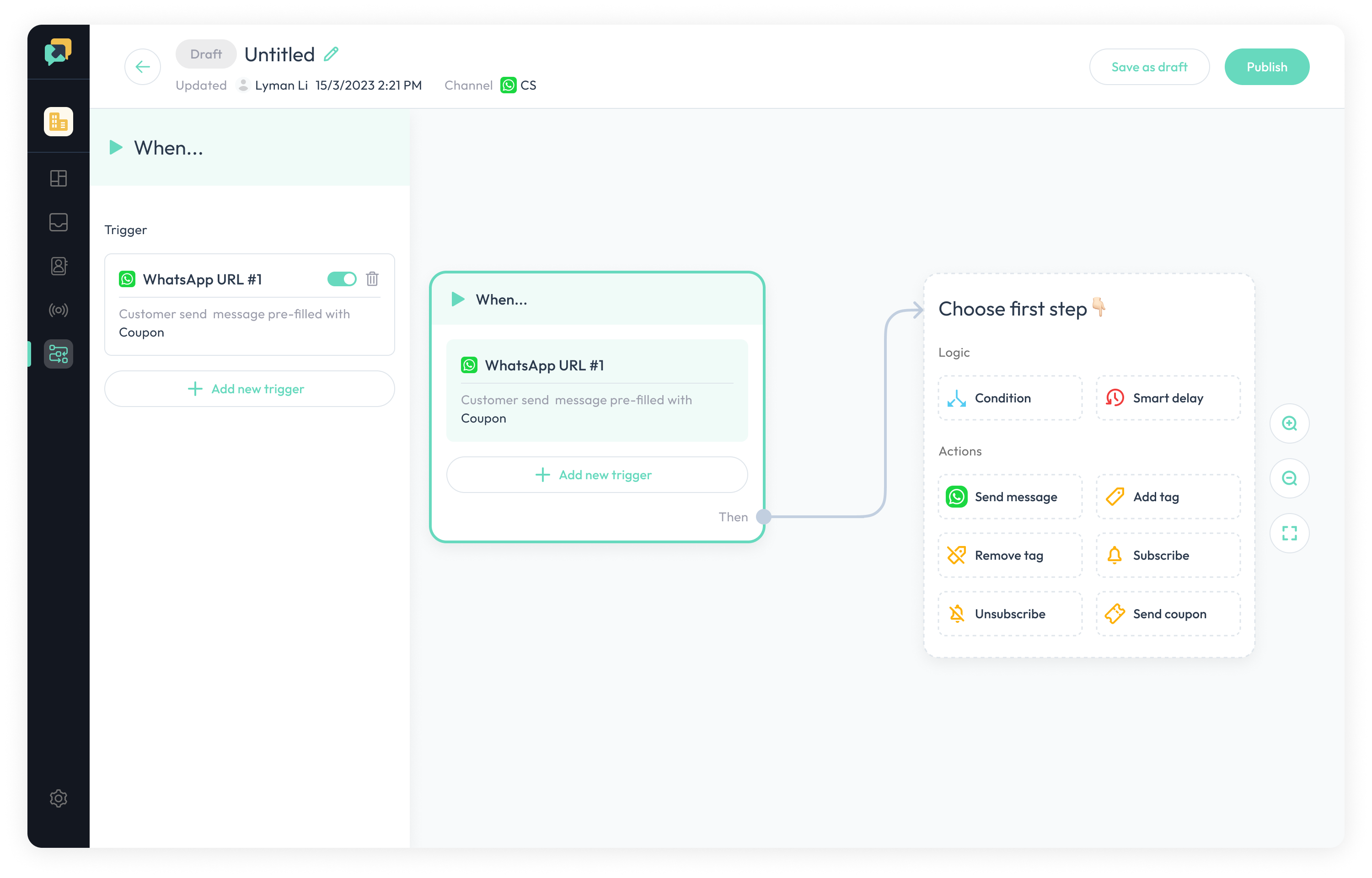
Note: if the trigger lack some settings, the border color of trigger will turn red. So when we see red border color, please click the trigger block to check the settings.
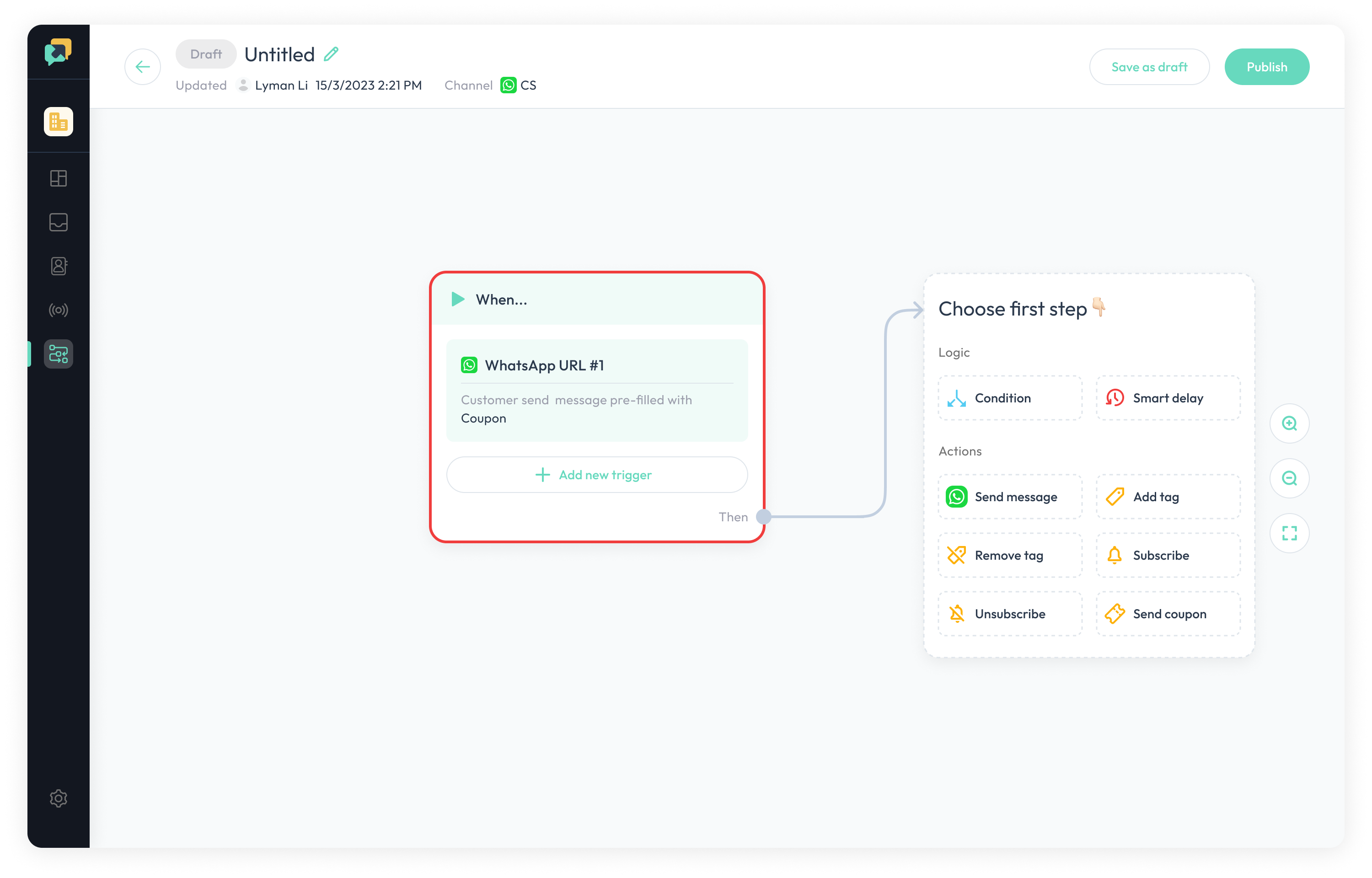
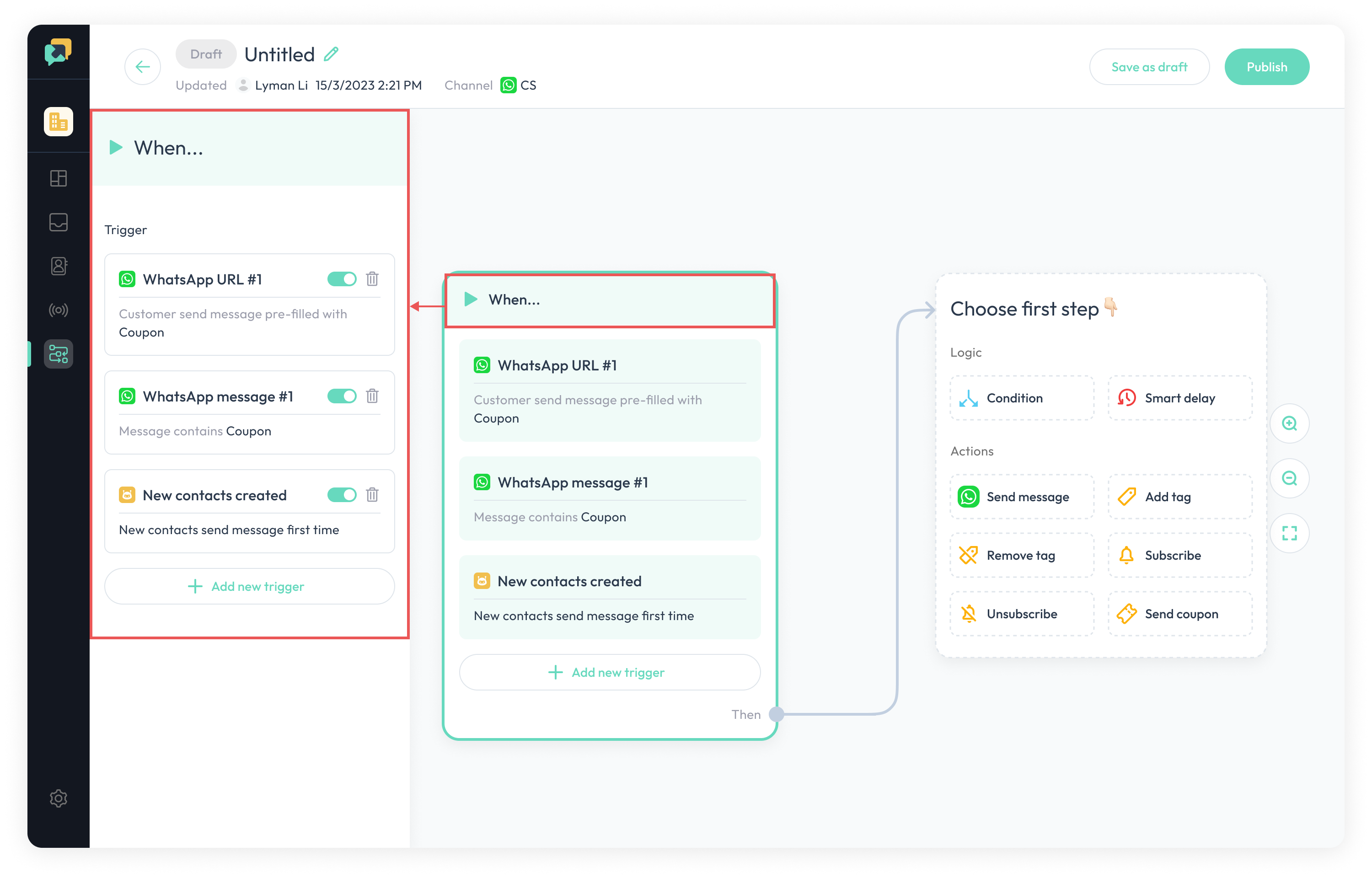
Manage all triggers
Click the When section, all triggers can be managed in the left drawer
Note: Once one trigger of all triggers is triggered, the automation will be triggerred.
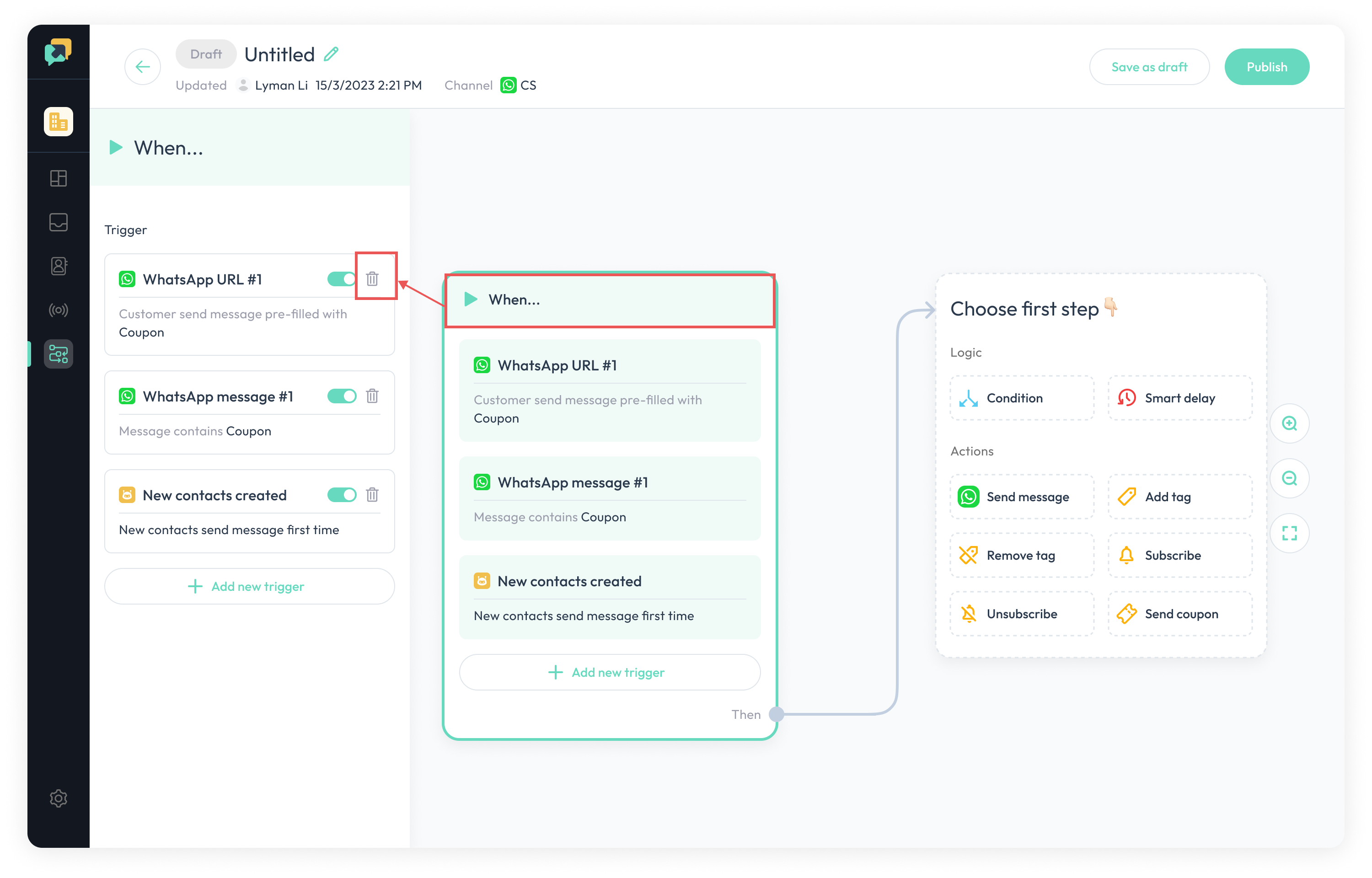
Delete triggers
- Click the
Whensection , click the
delete iconin the left drawer
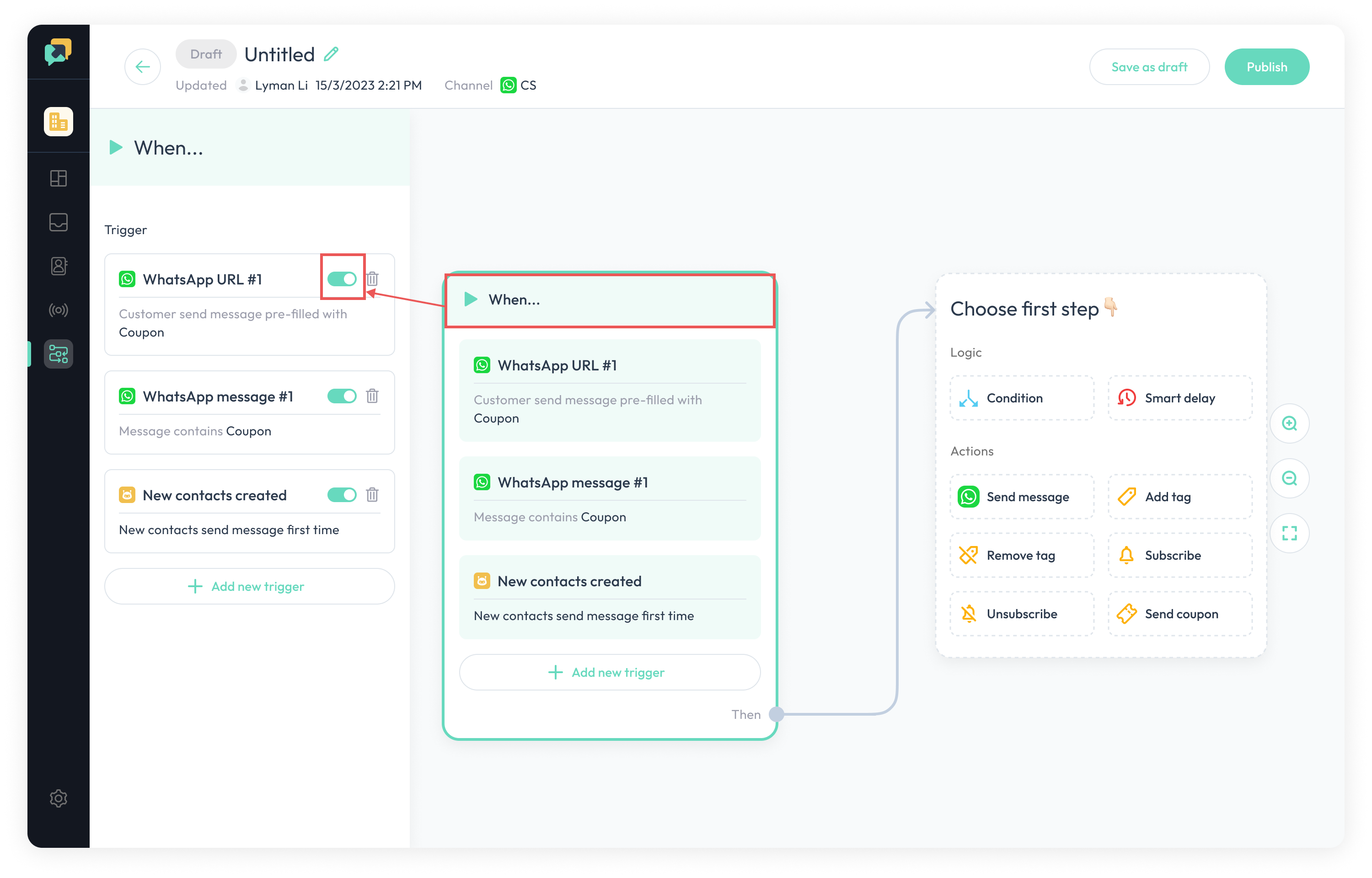
Turn on/off triggers
- Click the
Whensection , turn on/off the
switchin the left drawer
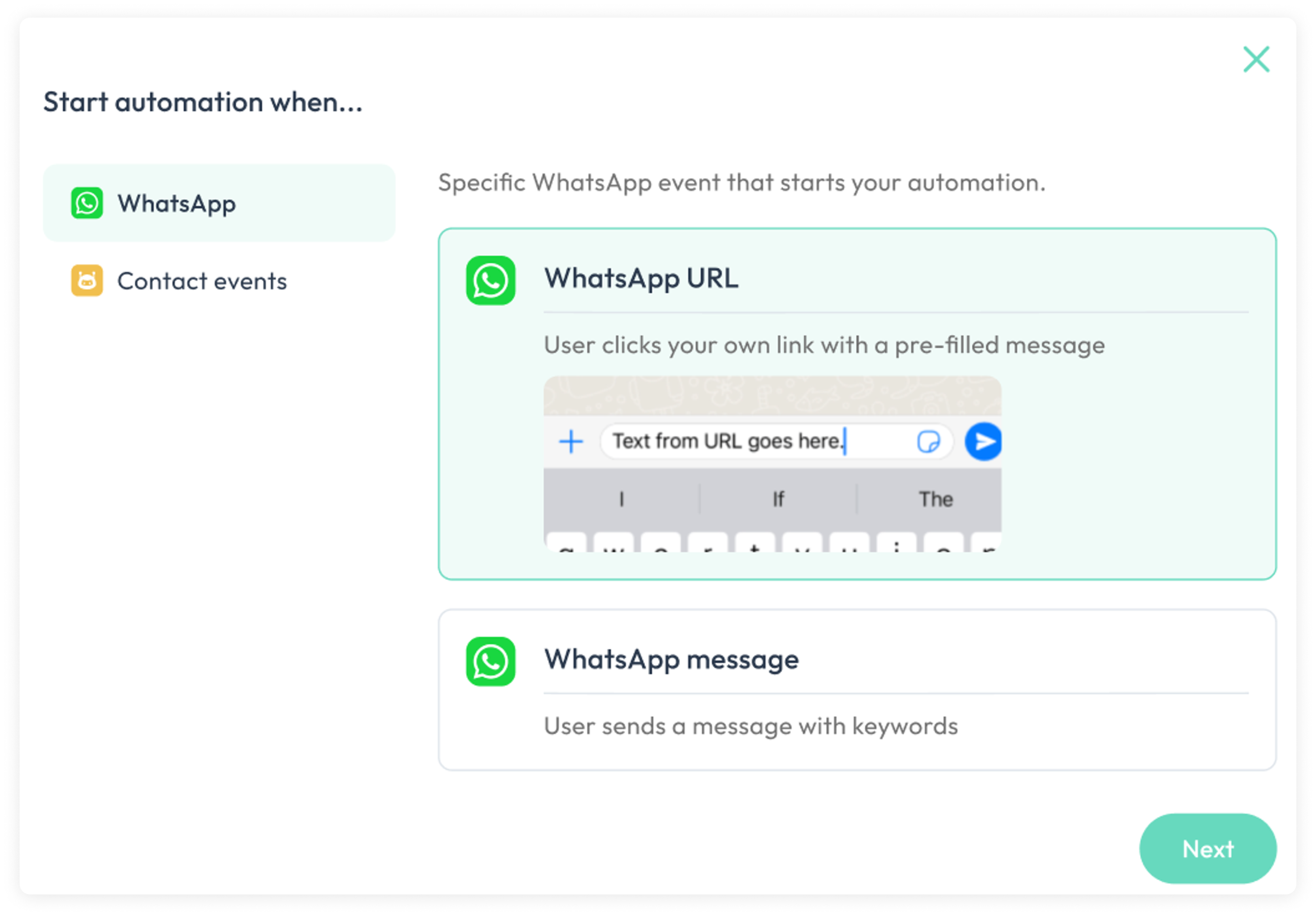
WhatsApp trigger
WhatsApp URL trigger: When user click your link , and enter the WhatsApp conversation ,and send the pre-filled message, it will triggered the automationWhatsapp message trigger:When user sends a message with keywords in WhatsApp, it will triggered the automation
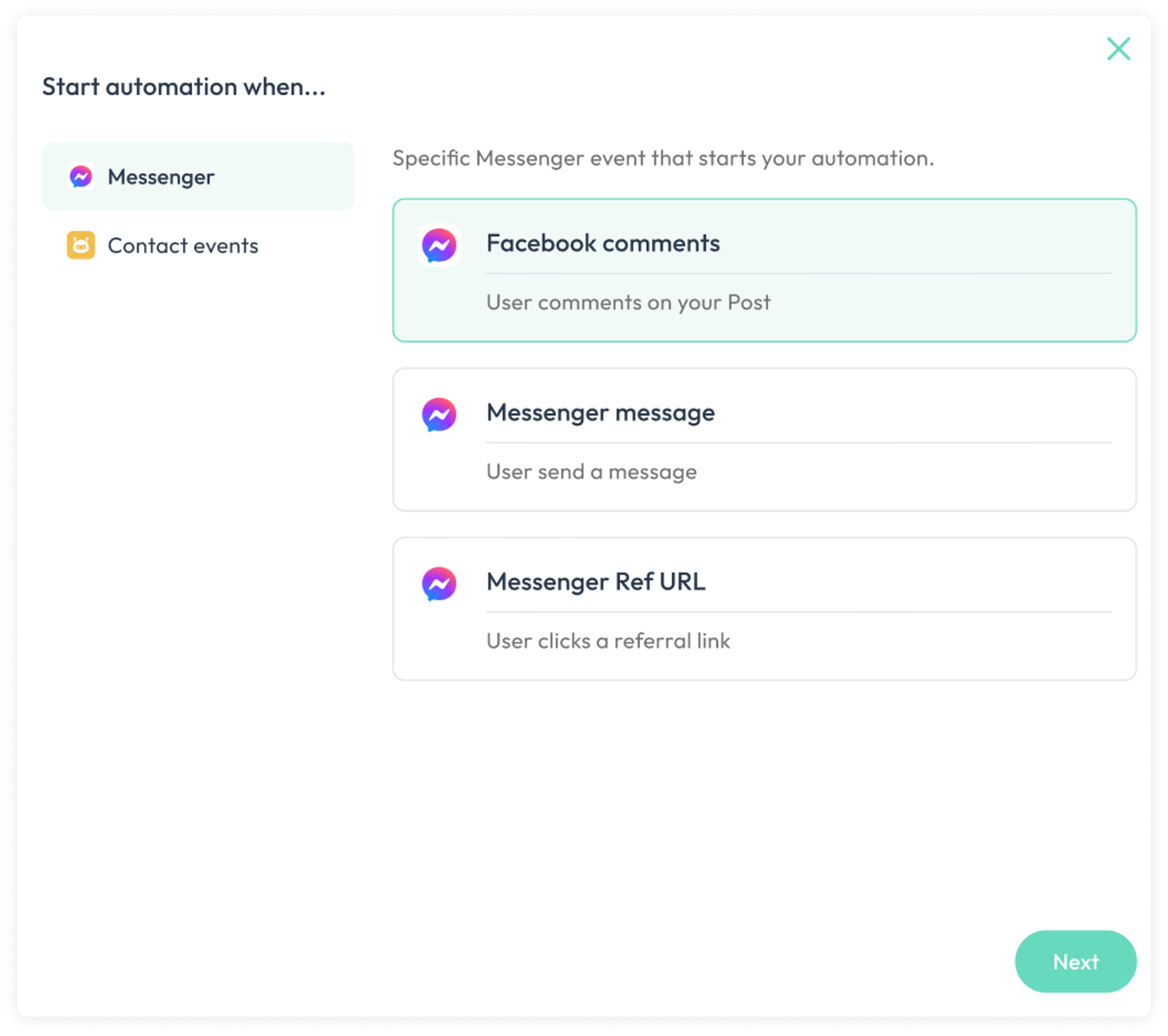
Facebook Messenger trigger
Messenger Ref URL trigger: When user click your link with ref parameter and enter the messenger conversation and clickstarted, it will triggered the automationMessenger message trigger:When user sends a message with keywords in Messenger , it will triggered the automationMessenger comment trigger:When user comment on specific post , and the comment contains specific keywords, it will triggered the automation
Instagram trigger
Instagram Ref URL trigger: When user click your link with ref parameter and enter the Instagram conversation and clickstarted, it will triggered the automationInstagram message trigger:When user sends a message with keywords in Instagram , it will triggered the automationInstagram comment trigger:When user comment on specific post or reels, and the comment contains specific keywords, it will triggered the automationInstagram srtory trigger:When user replied specific story, it will triggered the automation