
Connect Threads to EZChat
Before you get started
💡You should prepare…
✅ A EZChat Workspace
💡You need to be…
✅ An Admin role of your EZChat Workspace
Get started
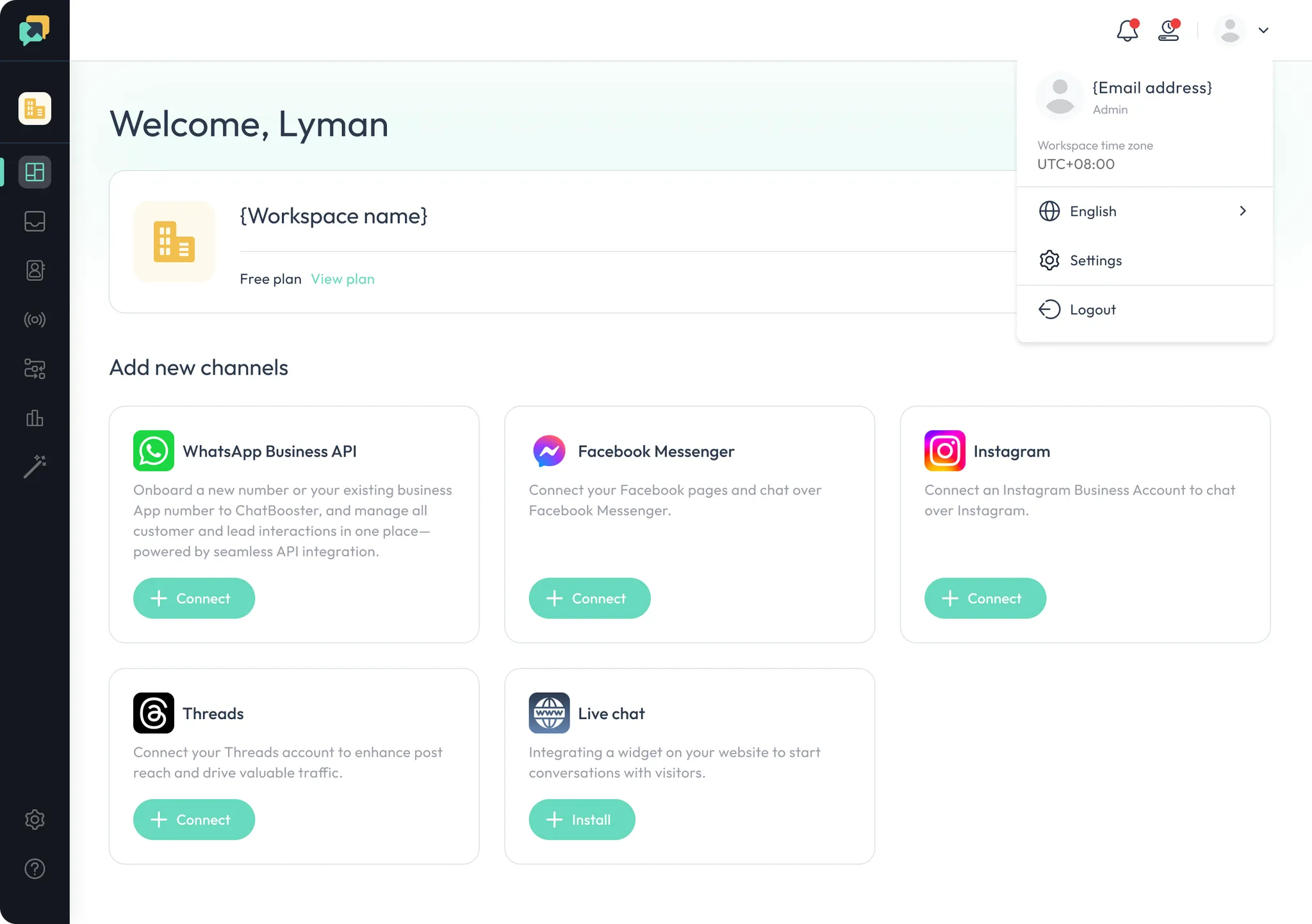
- Click “Connect” on the Threads section to continue.
- Log in to your Threads account
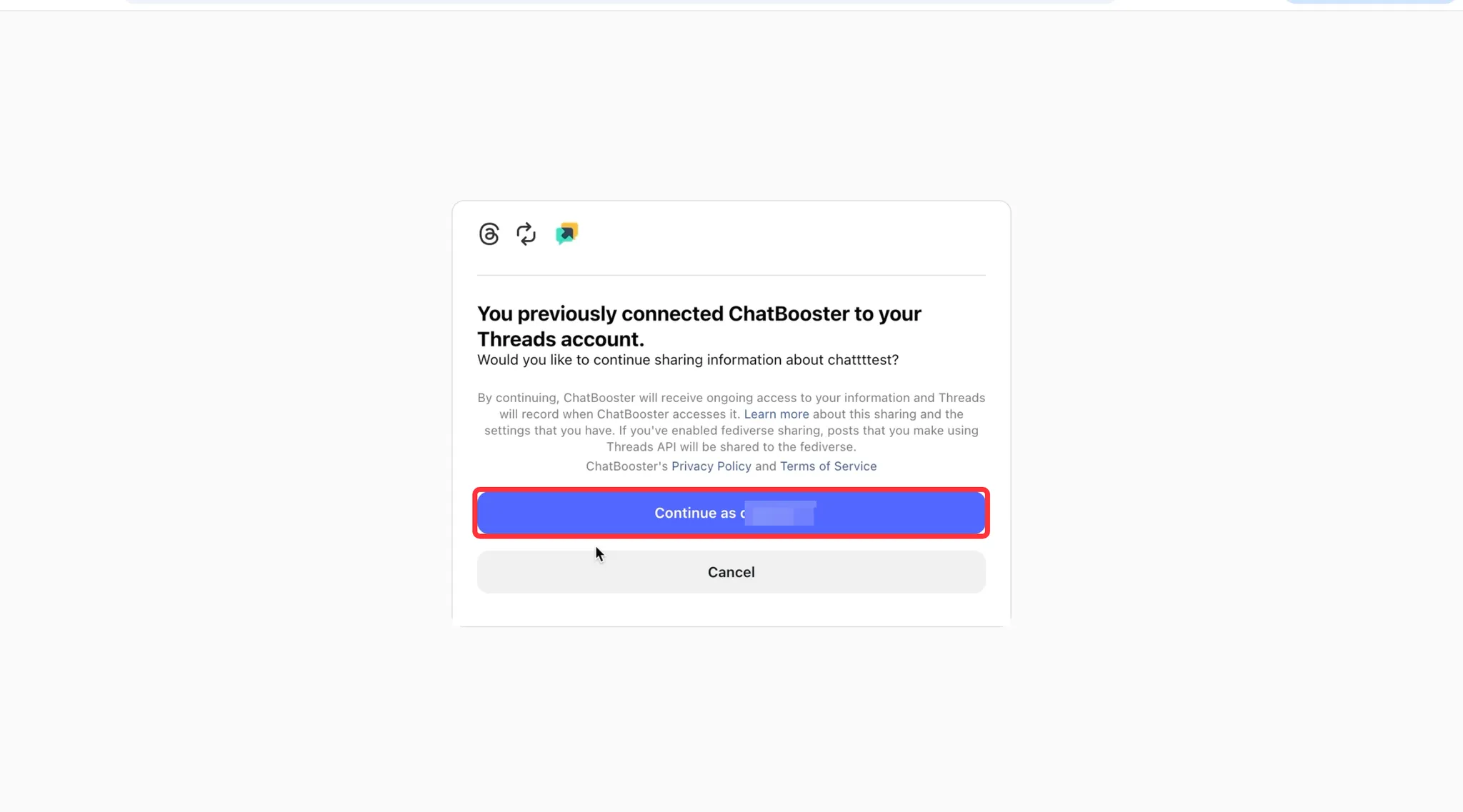
- Click “Continue as xxxxx” and continue
- And all is done!
💡 If you have any questions during the process, please do not hesitate to contact us via support@ezchat.io or whatsapp us.