Add Tags to Contacts
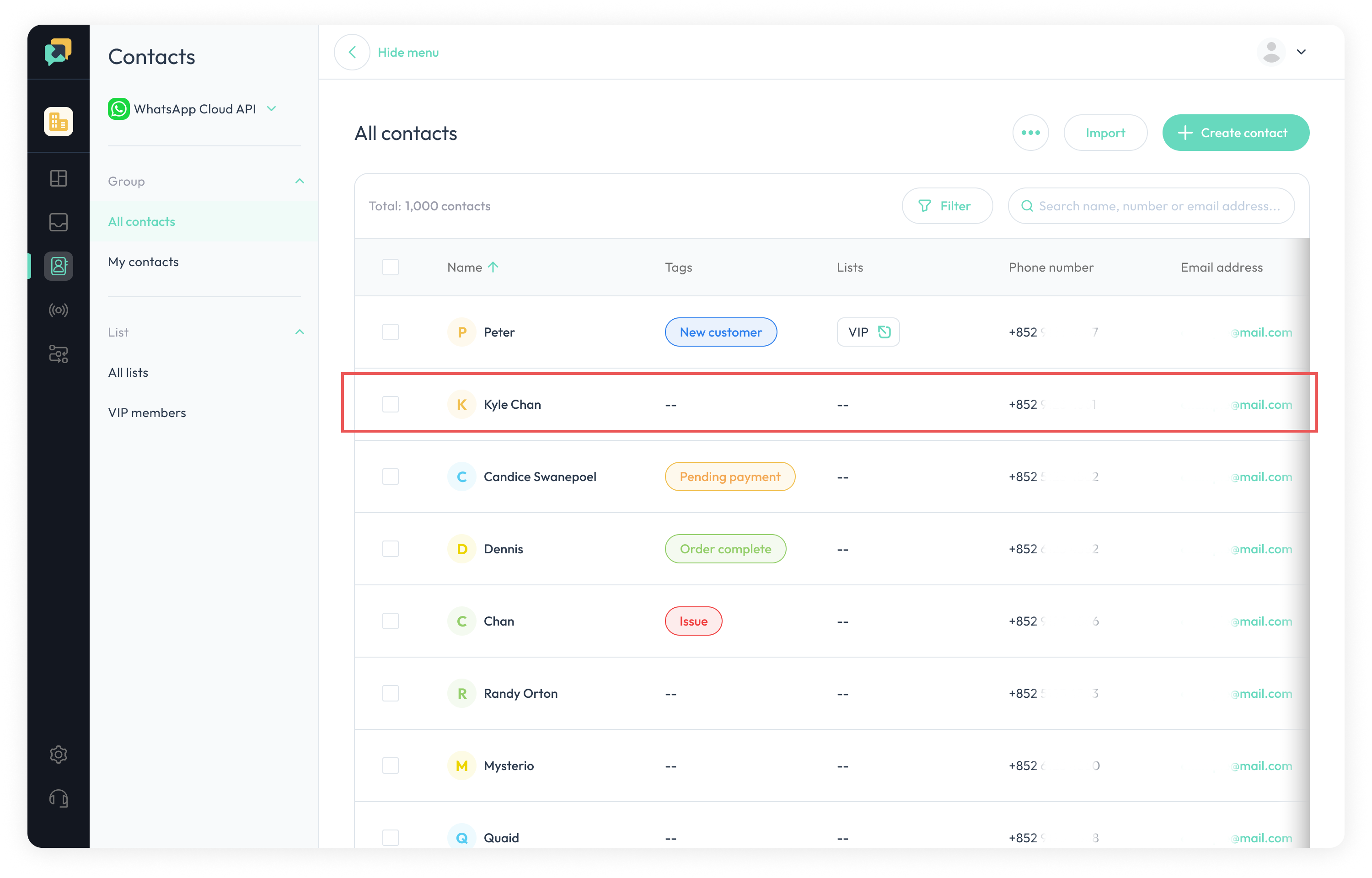
- Navigate to the desired contact and click on it.
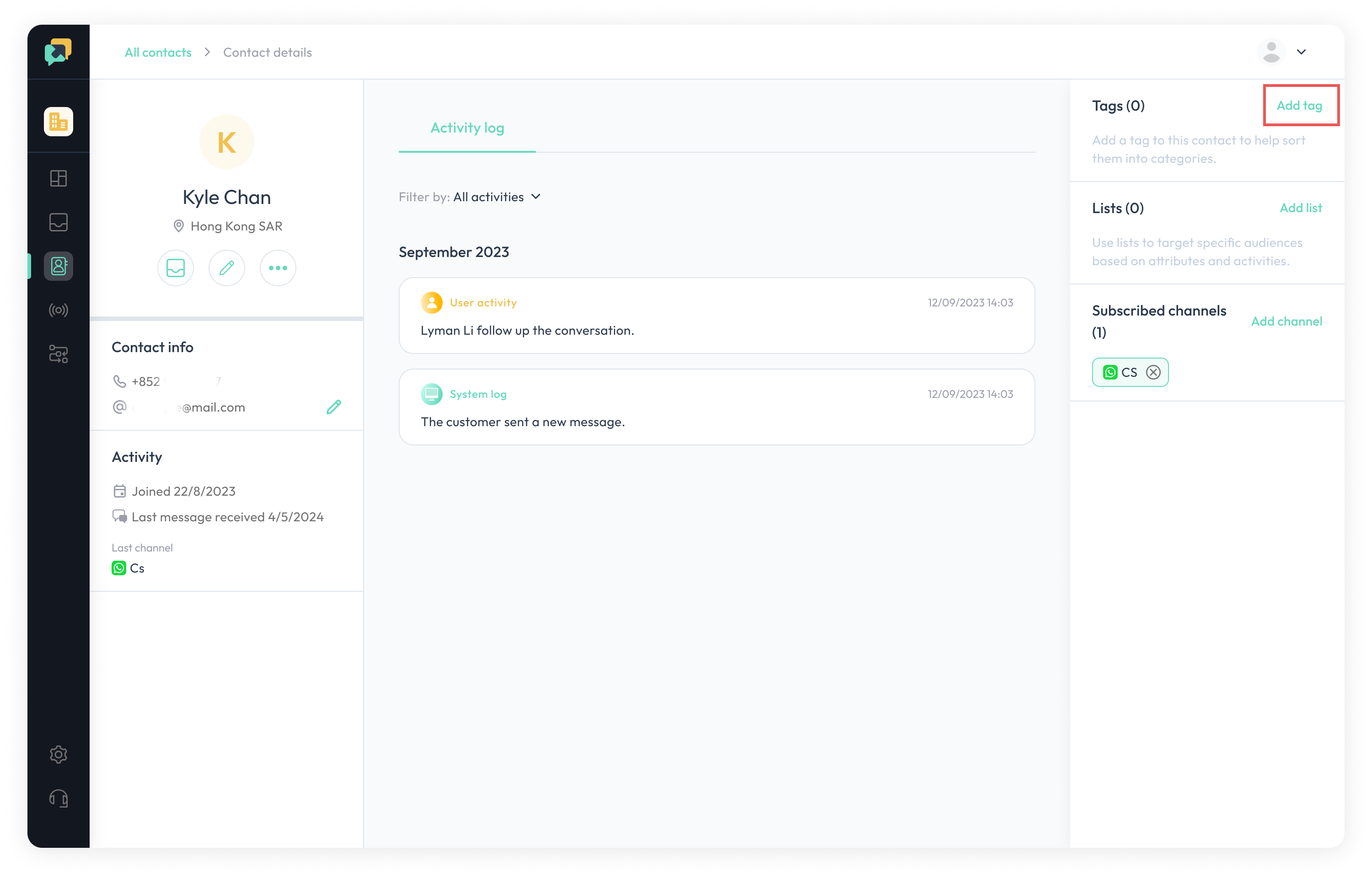
- Click the
**Add Tag**button.
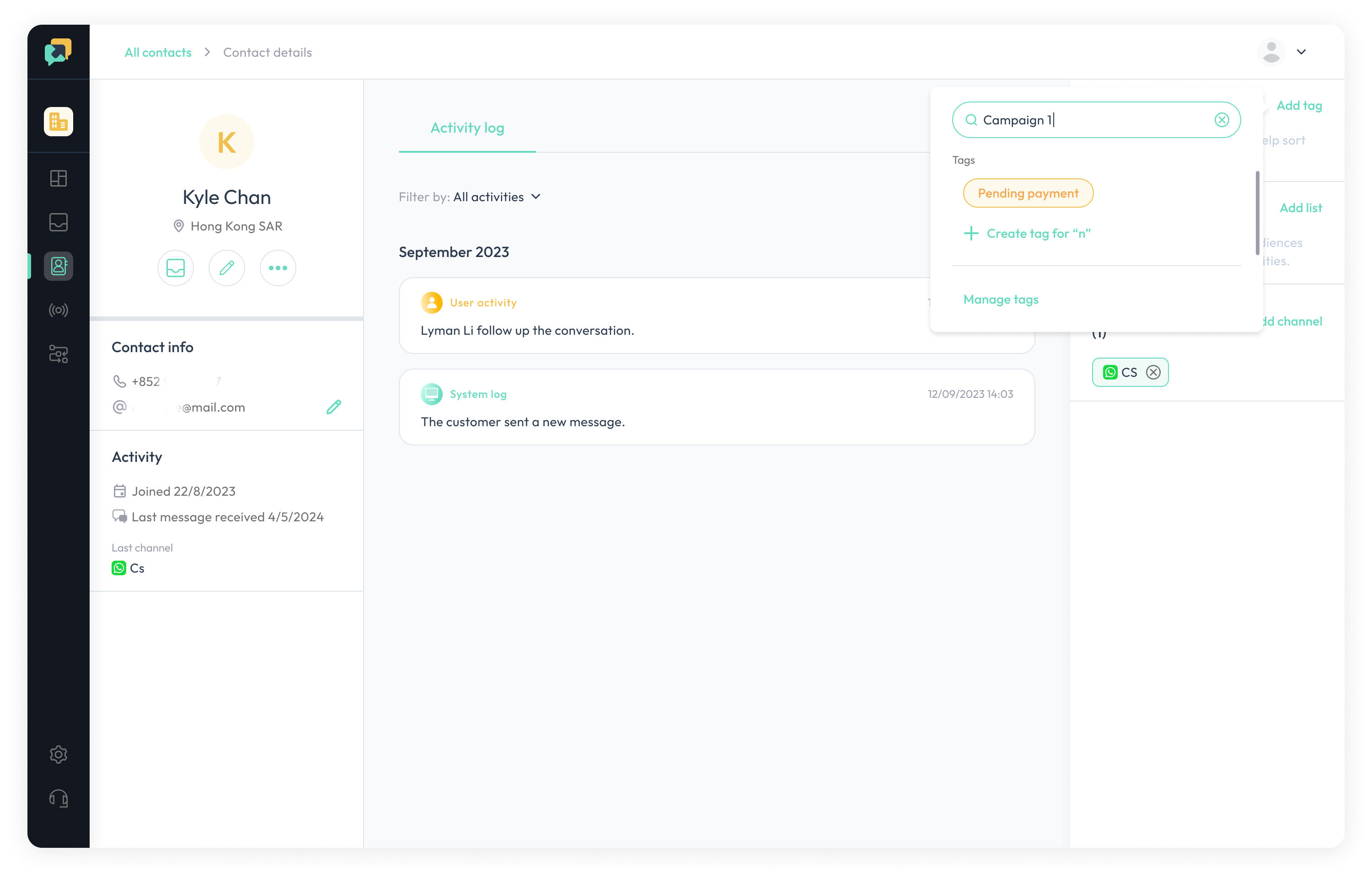
- Select an existing tag or create a new tag.
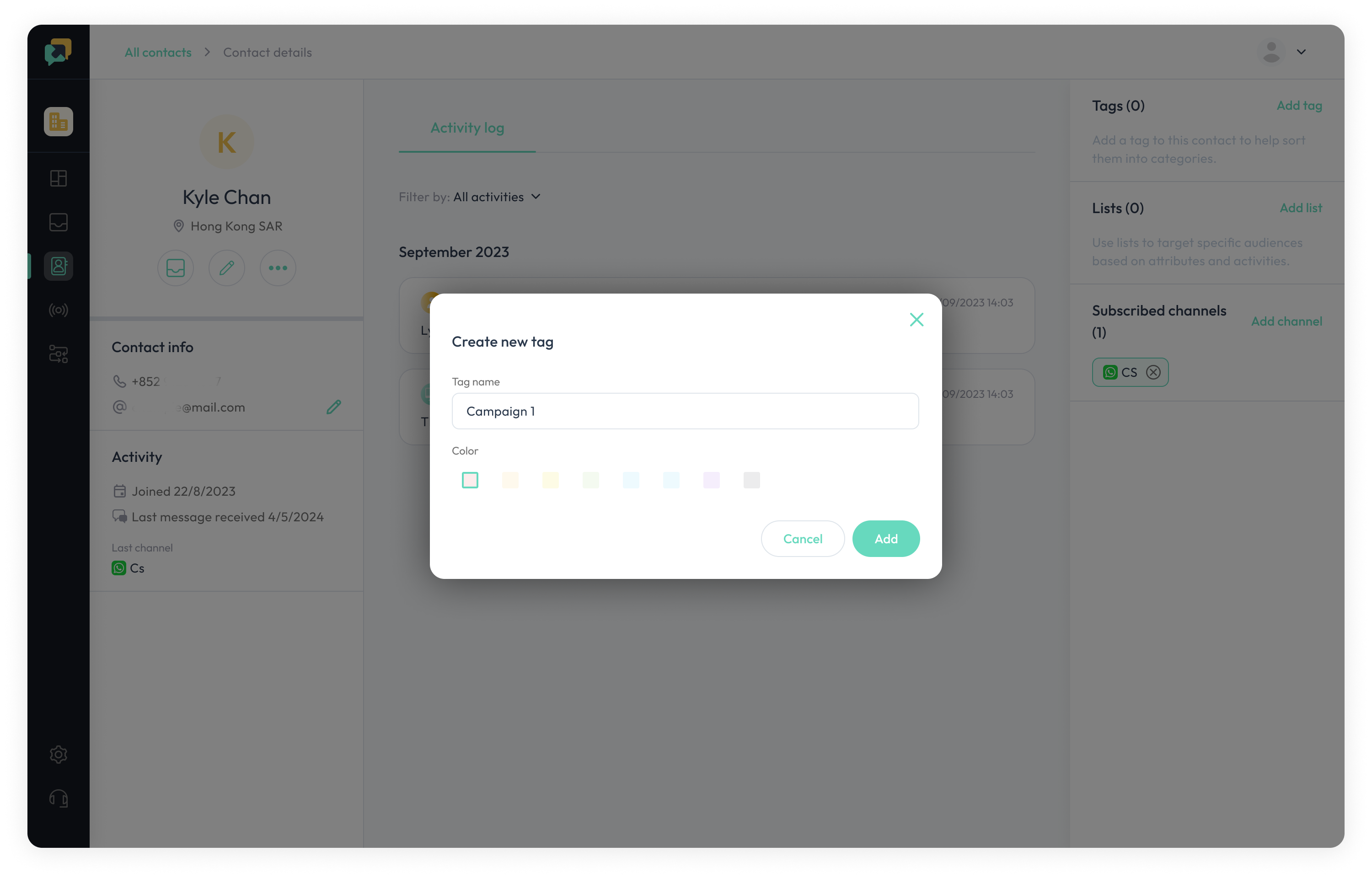
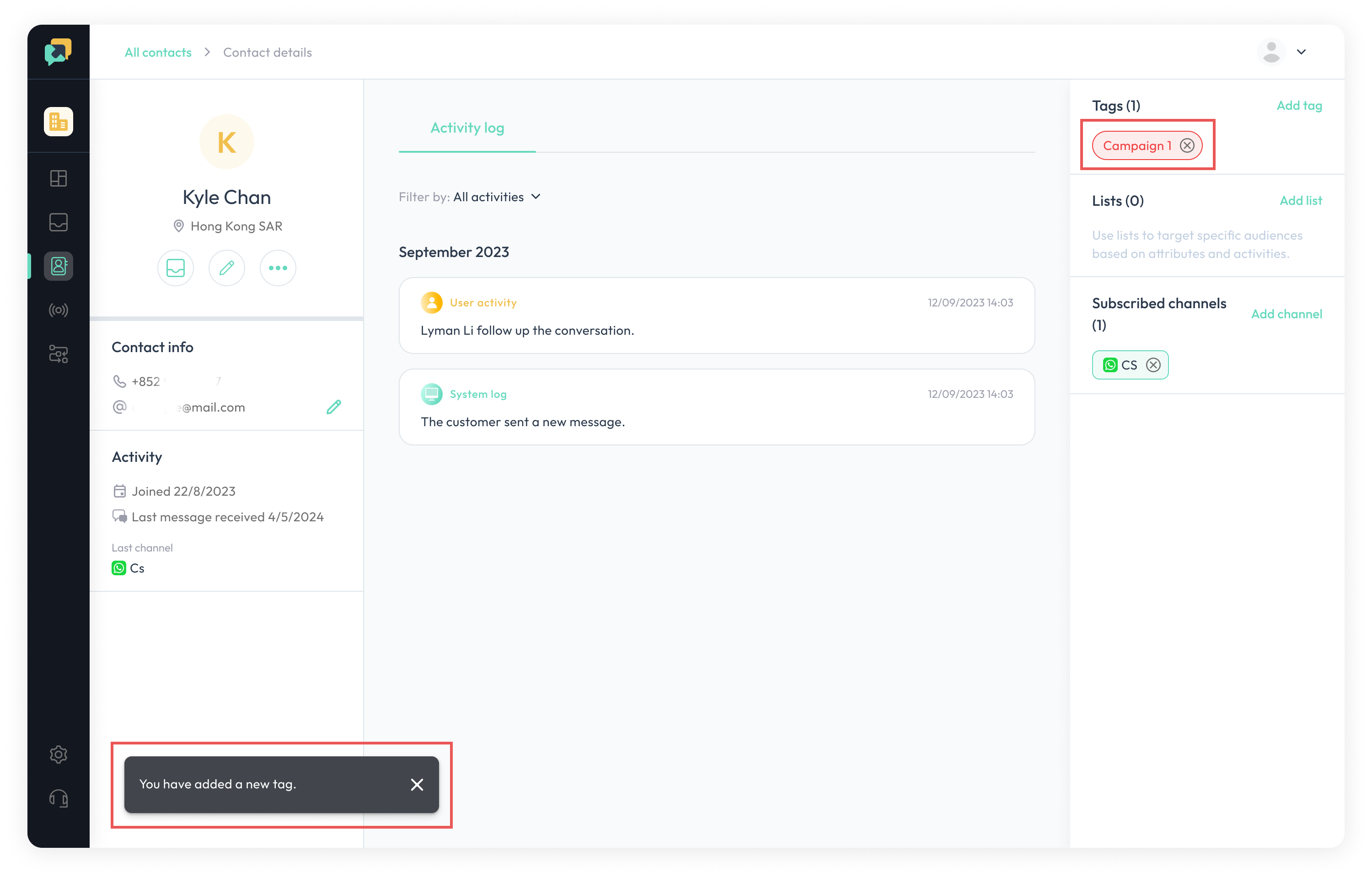
- Once tags are added successfully, the added tags will appear in the Tags section, and a success message will be shown in the bottom-left corner.